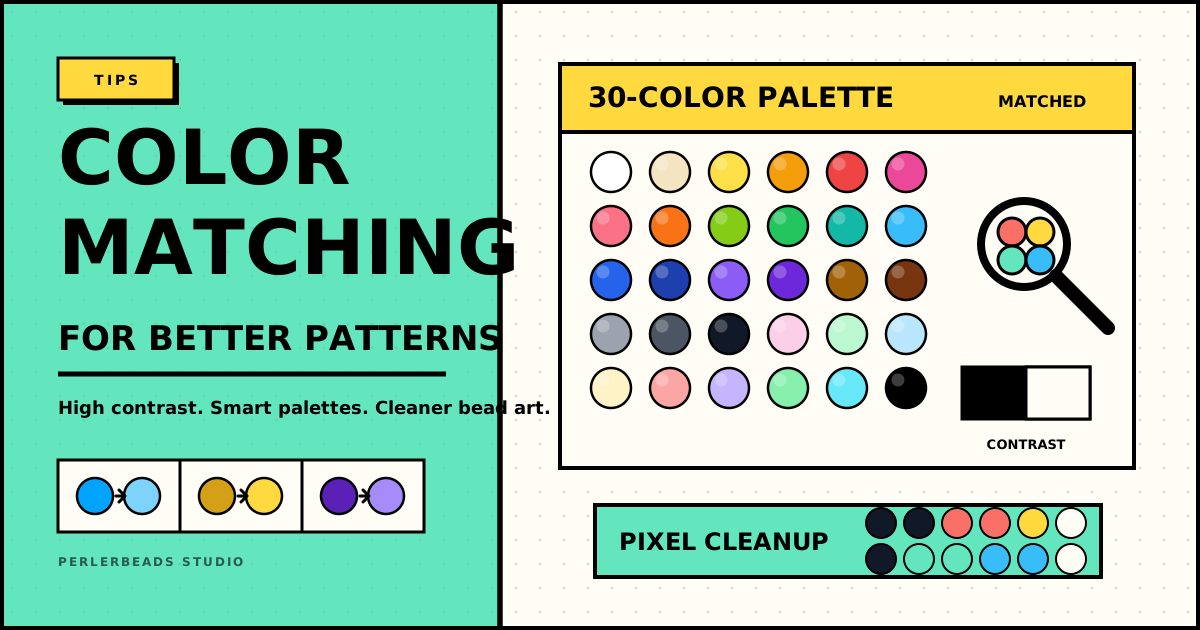
One of the biggest challenges in perler beads art is achieving accurate colors. Here are our top tips for getting great results.
Understanding the 30-Color Palette
Perlerbeads Studio uses the standard 30 Perler beads colors. When converting an image, each pixel is matched to the nearest available color using perceptual color matching — a technique that accounts for how our eyes perceive different colors.
Get Better Results
Use High-Contrast Images
Photos with strong color contrasts convert better. Avoid images with many similar shades that the algorithm has to approximate.
Adjust Grid Size
Smaller grids (20-30 beads) create a more abstract, stylized look. Larger grids (60-100 beads) preserve more detail. Experiment!
Manual Touch-Up
After auto-conversion, use the paint and fill tools to:
- Replace nearly-white areas with true white
- Strengthen outlines by adding black
- Simplify gradients into solid color zones
Color Substitutions
Some colors in the Perler palette can be hard to find in stores. Here are common substitutions:
- Cyan → Sky Blue (slightly warmer)
- Gold → Yellow (brighter)
- Dark Purple → Purple (lighter alternative)
Planning Your Purchase
Use the Color Stats feature (📊 button) to see exactly how many beads you need of each color before buying supplies.