Start
Jump into Classic
Tap Start Game and skim the short on-screen tutorial.

Color Nuances is a quick visual challenge: scan a nearly uniform grid and tap the single square—or character—that breaks the pattern. Correct picks raise your score and make the boards denser and subtler; Diff and Insane modes add letter-number traps and faster mixed rounds. For perler bead makers, that same close-shade hunt can help with sorting colors, planning gradients, and catching a misplaced bead before ironing.
Every board looks almost the same—until it doesn’t. Spot the one square, number, or letter that breaks the pattern, and tap it before the timer hits zero.
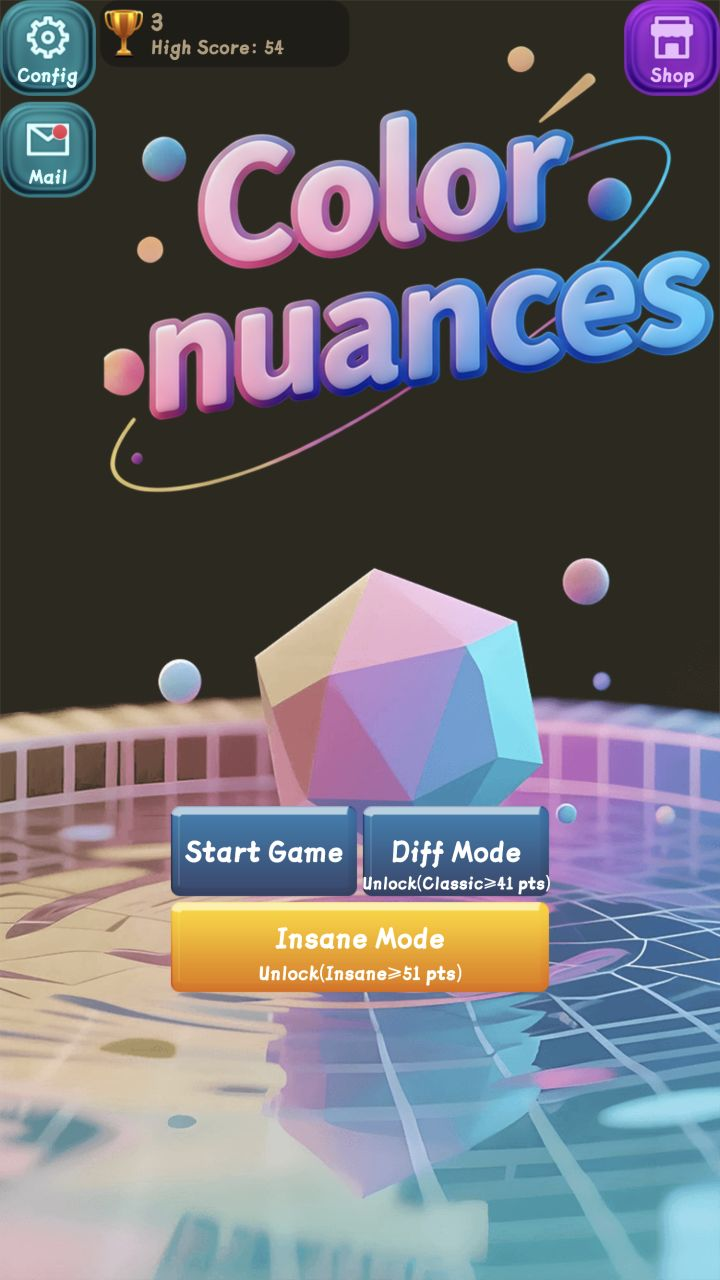
Tap Start Game and skim the short on-screen tutorial.
Compare the grid and lock onto the only tile with a different shade.
Tap that tile while the timer is still ticking.
Each correct pick adds points and unlocks tougher modes.
This isn’t a bead tutorial—but the “find the tiny difference” habit overlaps with sorting, shading, and checking a board before you iron.
Train your eye on small lightness and saturation gaps when two bead colors look almost identical in the tray.
Comparing neighboring tones helps you pick gradient, highlight, and shadow steps instead of jumping colors too hard.
Looking for the odd one out makes it easier to notice one wrong color inside a repeated area before ironing.
Working row by row mirrors how you check a pixel pattern or recount placements on the pegboard.
Think of these as transferable observation habits, not guaranteed training results. Color Nuances is a casual game—not a medical color-vision test.
Choose Start Game. The tutorial opens on a small board and spells out the move: tap the square whose color differs from the rest. Once that clicks, you can Skip.
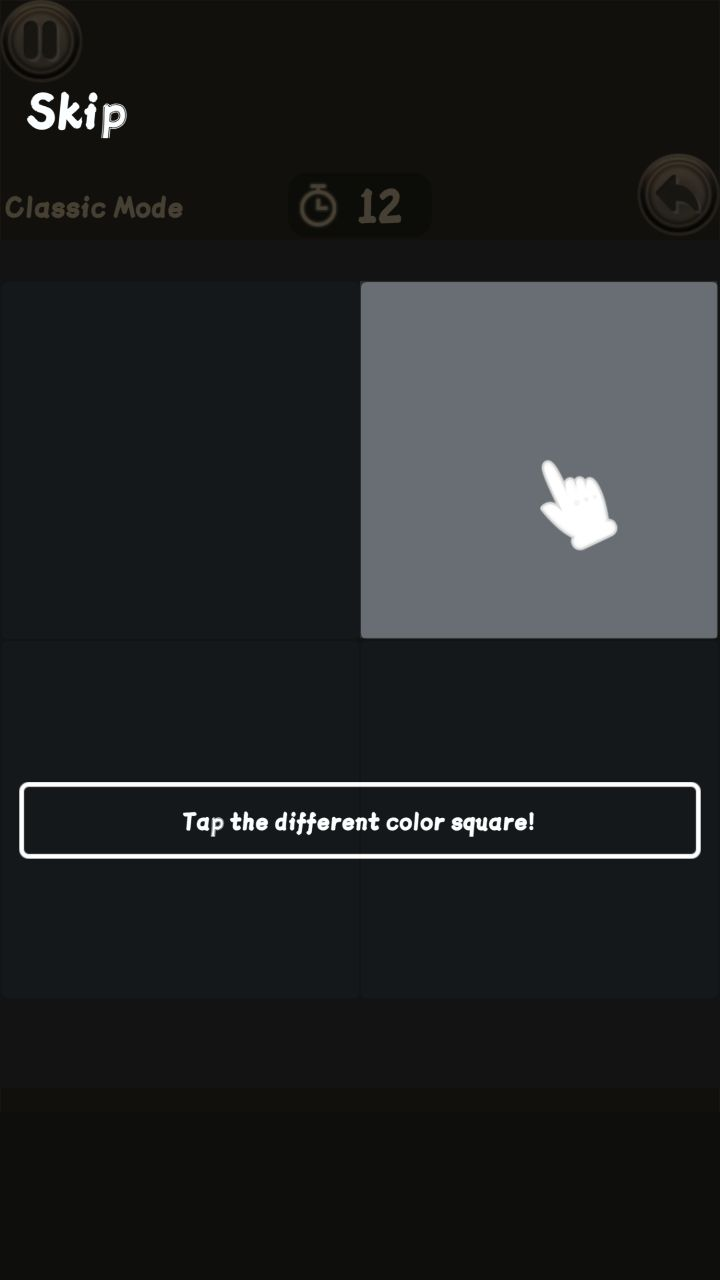
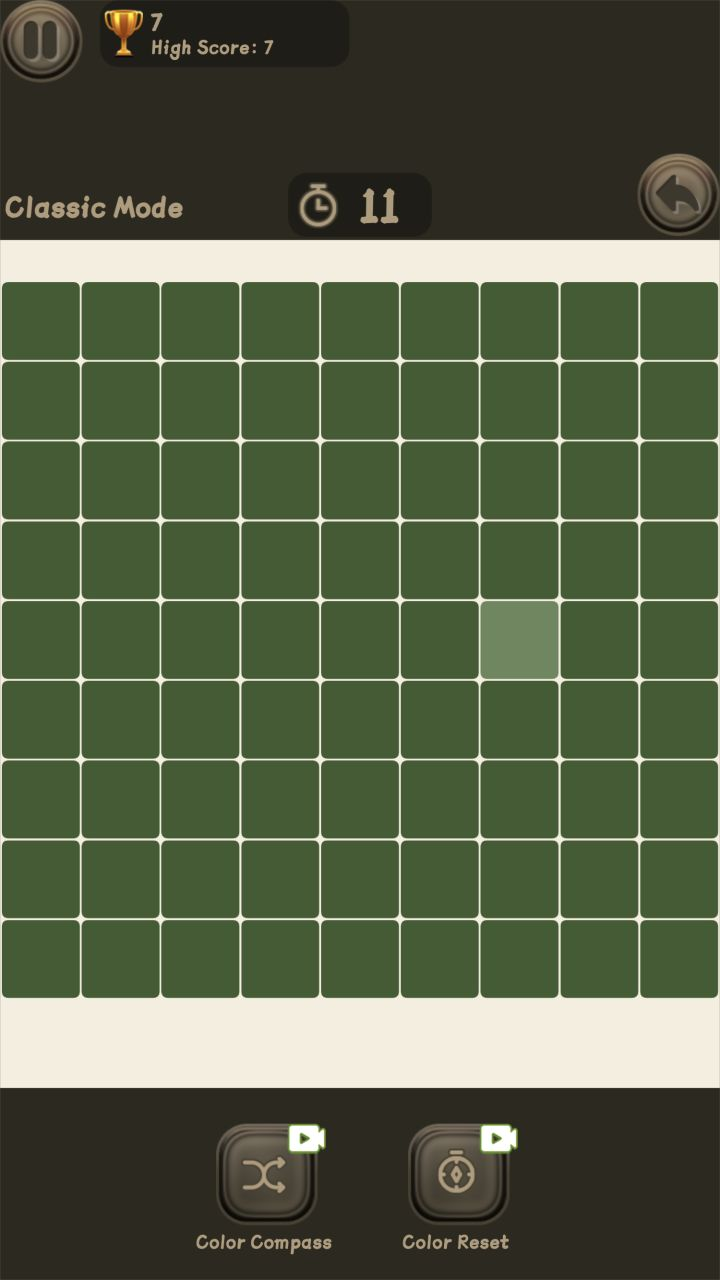
Each correct answer swaps in a new palette and bumps your score. Boards get denser and the odd square gets sneakier—so scan in a steady direction instead of staring at the center.
When two tiles look close, compare each with its neighbors. Local contrast usually pops faster than staring at the whole palette.
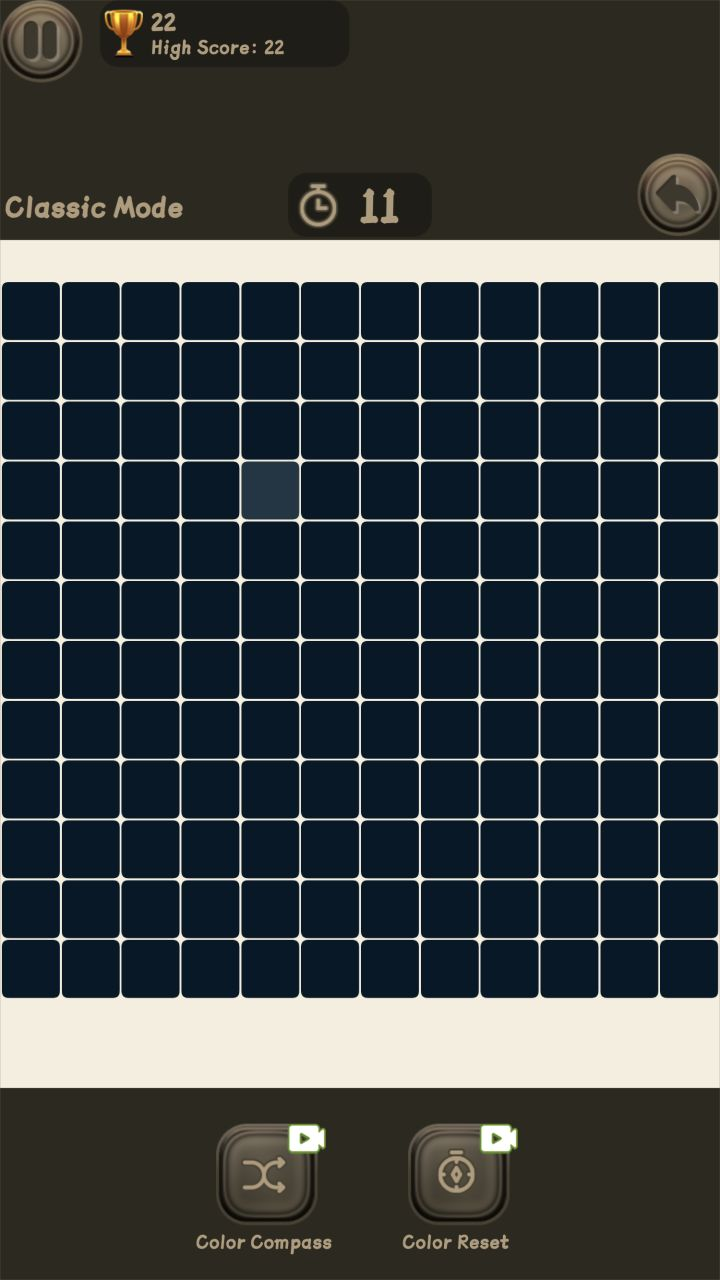
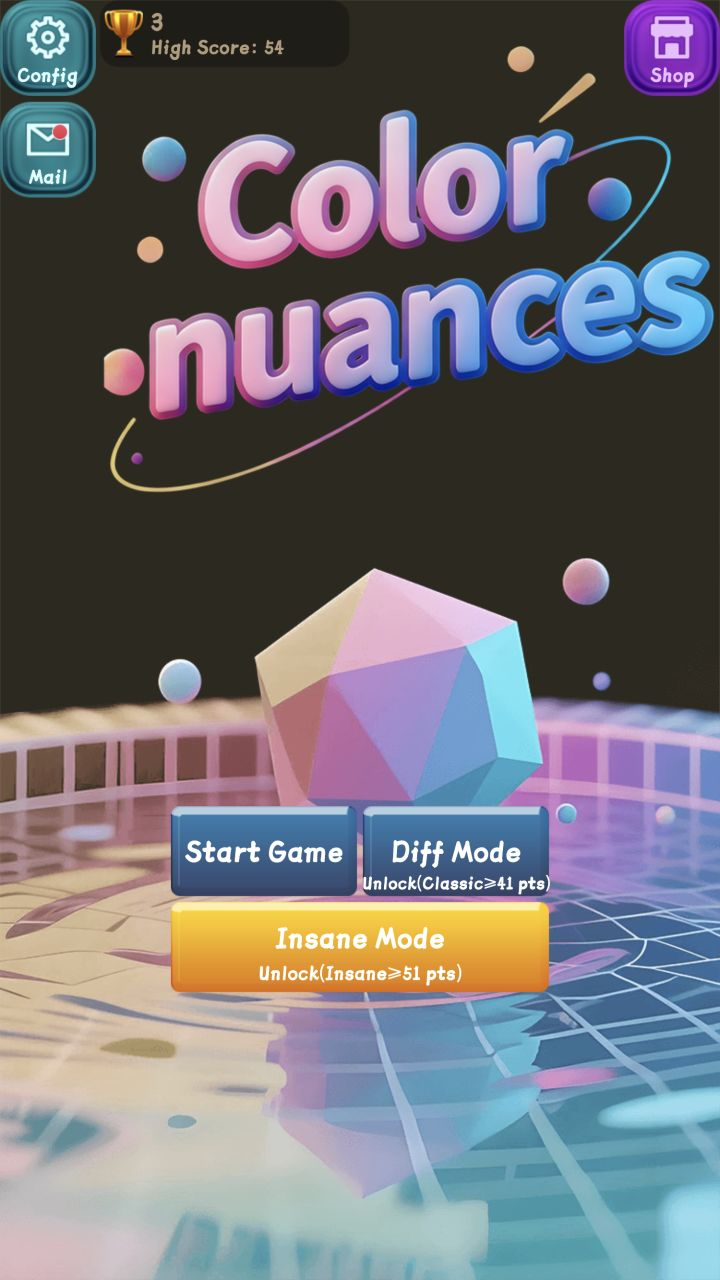
The menu shows the score gates. Hit 41 in Classic to open Diff Mode, where you hunt a different letter or number. Reach 51 for Insane Mode—longer, faster rounds that mix color blocks and text traps.
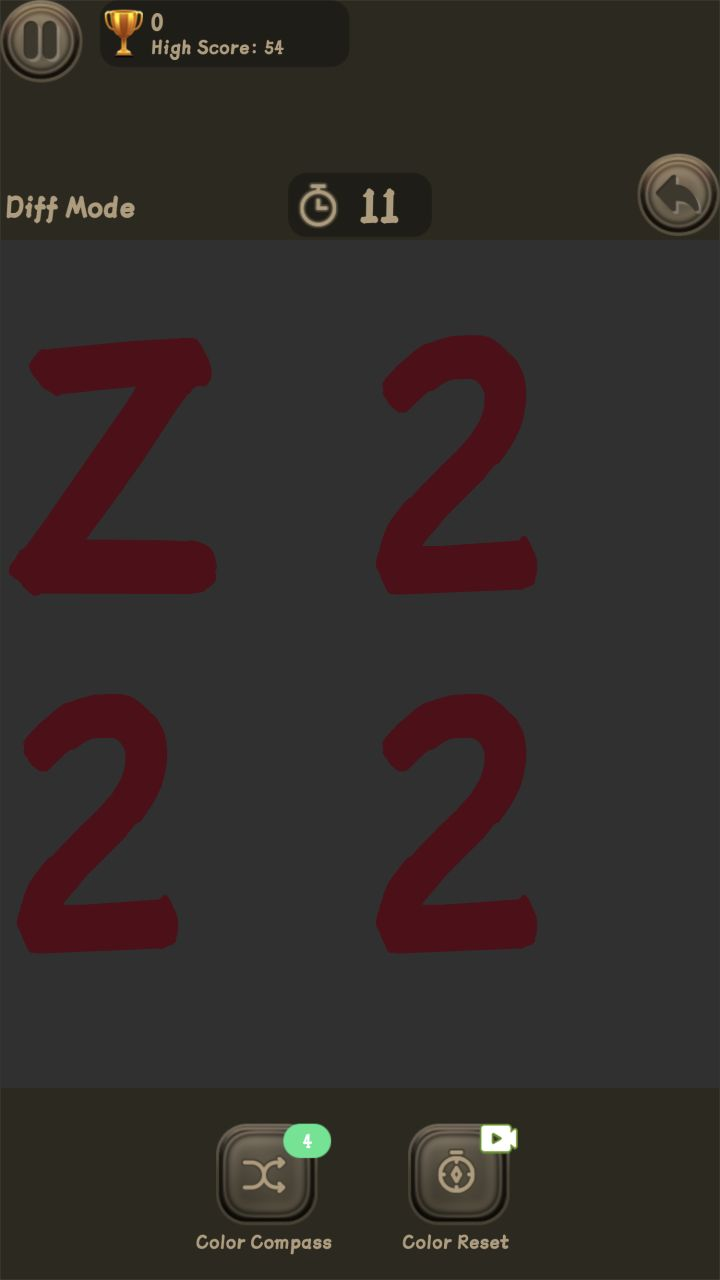
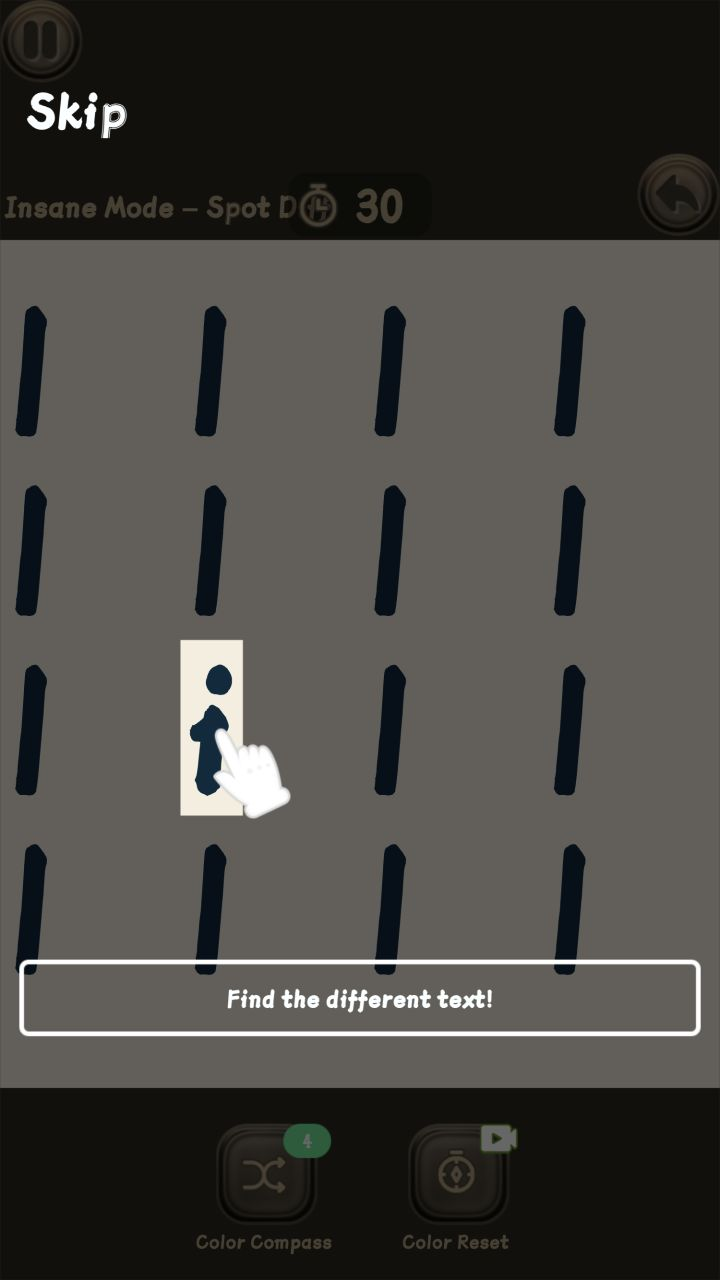
Color Compass reveals the answer; Color Reset refreshes the current colors. Both have limited uses, and the video badge means another use may need a rewarded video. When time hits zero, you can revive with a video or skip straight to the result.
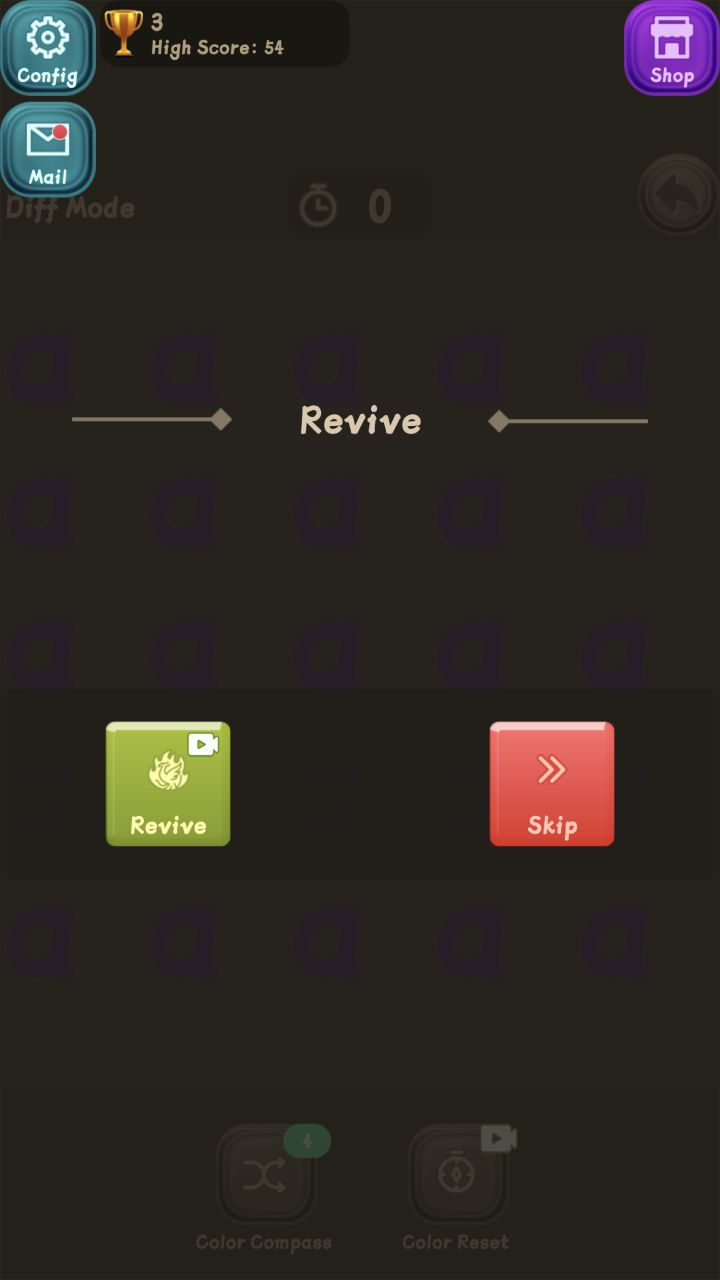
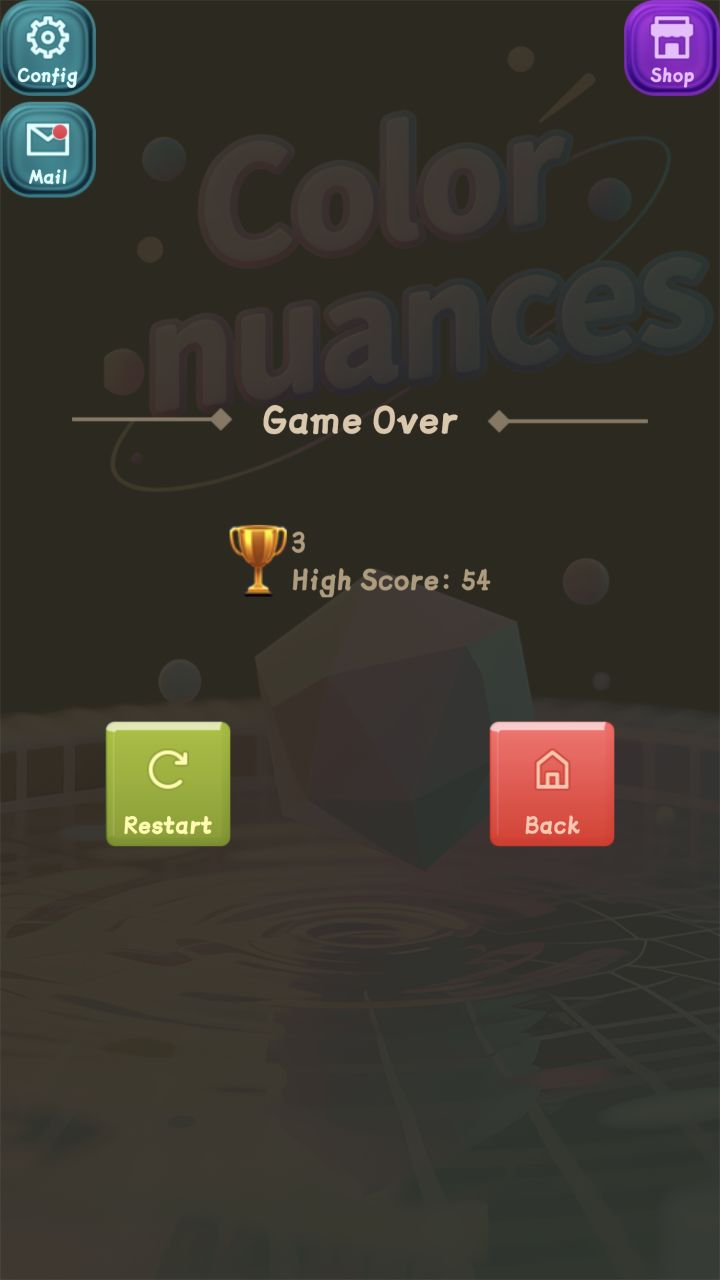
Skip the revive and you’ll land on Game Over. You’ll see that run’s score and your saved high score—Restart jumps into another attempt, Back returns to the mode menu.
Swipe or scroll sideways through the sequence. Tap any image to enlarge it, then move with the arrow keys or on-screen controls.
Swipe or scroll horizontally to explore the full game flow.